
How to Create a Winning Home Office That Impresses Clients Every Time
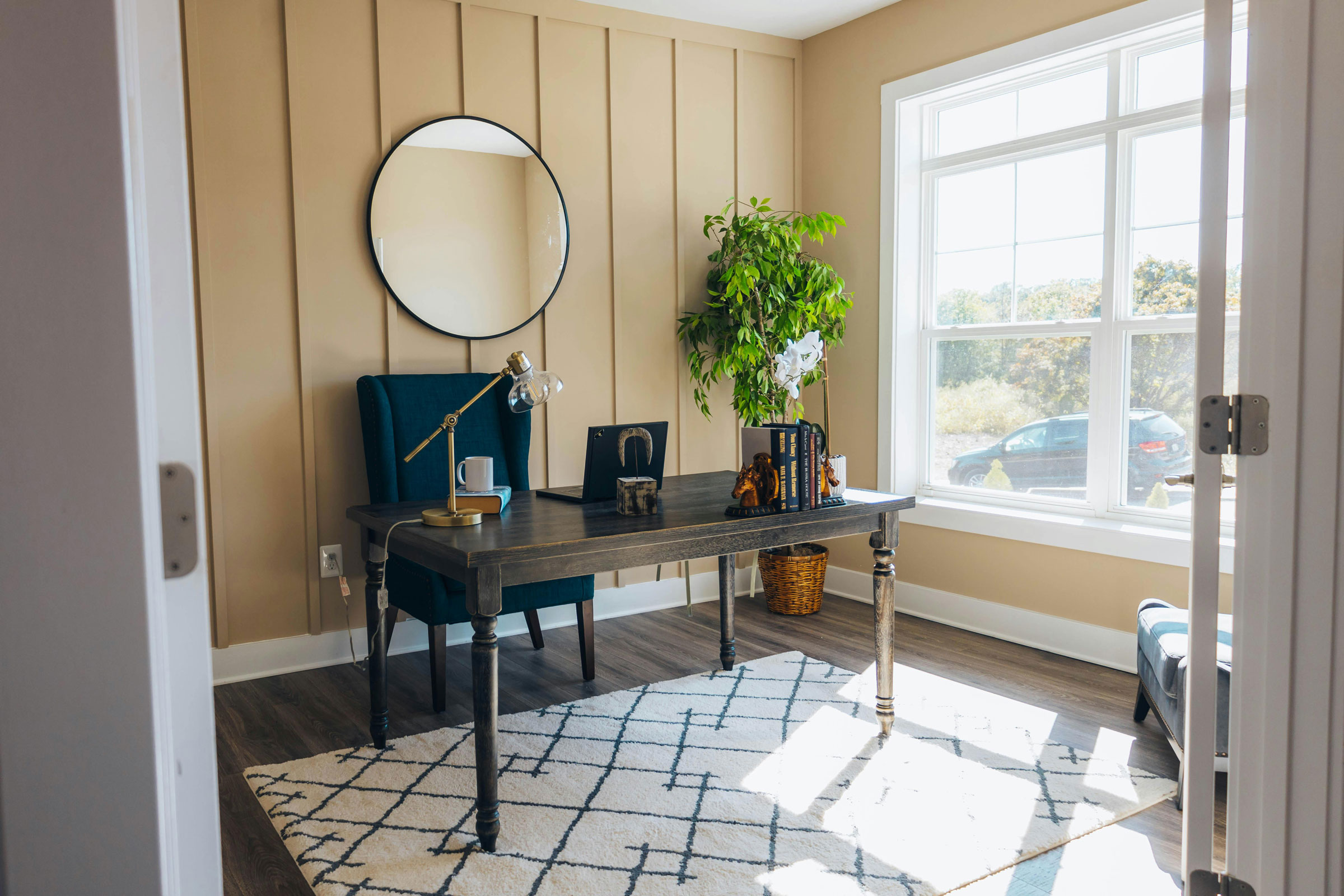
Photo via Pexels
New entrepreneurs, small business owners, and marketing professionals often land client meetings before the business feels fully “set,” and the home office setup becomes the silent proof of credibility. The challenge is simple: a cluttered background, poor lighting, or a distracted space can make even strong ideas sound less professional in both client meetings and virtual meetings. A meeting-ready professional workspace helps the focus stay on the offer and the results, not the surroundings. With the right foundation, every conversation can feel calm, clear, and confident.
Quick Summary: A Client-Ready Home Office
- Prioritize home office essentials that reinforce a professional, client-ready impression.
- Organize your workspace so key tools and materials stay easy to find and use.
- Prepare for virtual meetings with a clean, professional setup that looks great on camera.
- Make quick upgrades that elevate your space without overcomplicating your setup.
Understanding What Clients Notice First
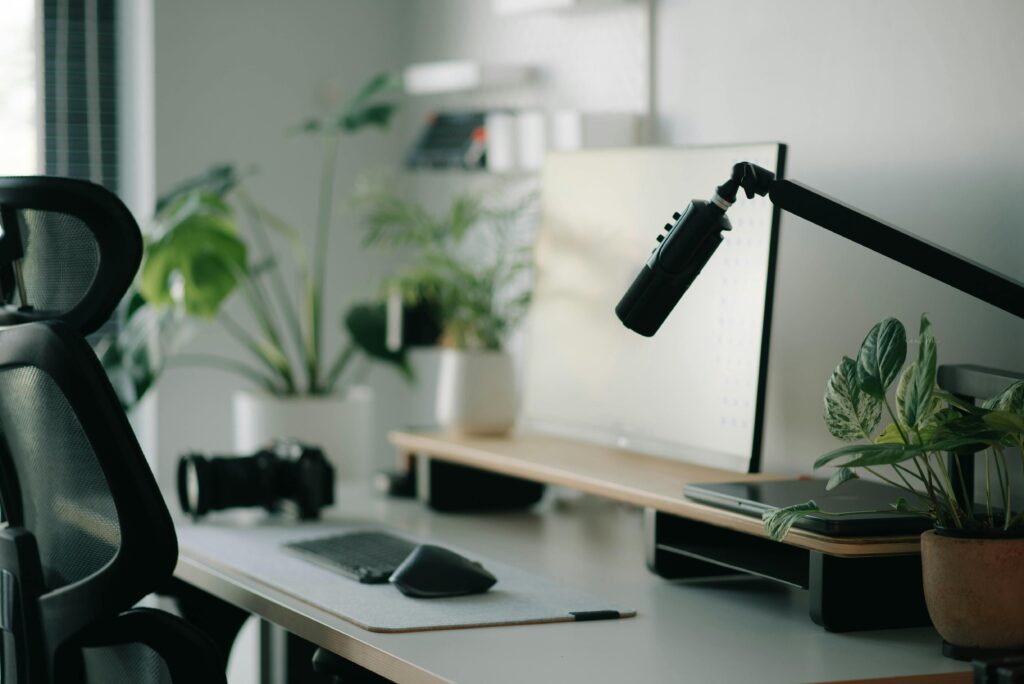
Photo via Pexels
Start with what your client sees and hears.
Client first impressions come from a few fast signals: your background, your lighting, and your sound. A tidy, intentional backdrop suggests you are organized, while clear, front-facing light helps your face look open and confident. A calm audio setup matters too, because the concept of soundscape reminds us that people judge a space by how it feels, not just how it looks.
This matters for your brand because your office is part of your marketing, especially on video calls. When you look well-lit and sound easy to understand, clients focus on your offer instead of your environment. Even good lighting can support energy and focus, which shows in your delivery.
Picture a discovery call with a new lead from your website. If your camera frames a clean wall and your voice is clear, you feel premium without saying a word. If there is clutter and echo, they may wonder what else is chaotic behind the scenes.
With these basics clear, choosing layout, tools, and simple branding becomes much easier.
Set Up a Client-Ready Home Office in One Afternoon
This process helps you build a home office that looks polished on camera, works smoothly for meetings, and stays “always ready” without constant cleanup. For small business owners, a consistent setup supports your marketing and branding by making every sales call feel credible and high-trust.
- Step 1: Map your layout for the camera first. Start by measuring your home office space and identifying the one spot where you can sit facing a window or lamp and keep a clean background behind you. Place your desk so your webcam captures a simple wall, bookshelf, or curtain rather than doorways, laundry, or high-traffic areas. This instantly reduces distractions and makes your video frame feel intentional.
- Step 2: Choose a comfort-first desk and chair setup. Pick seating and desk height that support long calls and focused work, since ergonomics is the science of designing a workspace to fit you. Adjust your chair so your feet rest flat, and your elbows land comfortably at desk level, then raise your laptop with a stand if needed. When you feel better physically, you present better and stay sharper with clients.
- Step 3: Standardize your meeting tech (and test it once). Choose one reliable webcam, one mic or headset, and one meeting platform you use by default, then save those settings as your “client preset.” Do a 2-minute test call to confirm framing, lighting, mic levels, and what your screen share shows before you need it. Consistency here reduces stress and makes your delivery feel more professional.
- Step 4: Add simple decor and brand cues, then stop. Use one to three intentional items that match your brand, such as a plant, a framed print, or a neat stack of your product samples, and keep everything else out of the shot. A few personal touches help your space feel human and memorable without becoming visual noise. Aim for calm and clean, not “perfect.”
- Step 5: Lock in a five-minute reset routine. Create three zones: “always on desk” (only daily essentials), “away” (drawer or bin), and “off camera” (a basket for quick toss items). At the end of each workday, reset your desk, wipe the lens, and plug in devices so you can take a surprise call without scrambling. This habit keeps your office acting like a mini studio for your brand.
A steady setup turns every virtual meeting into a quiet advantage.
Quick Answers for a Calm, Client-Ready Office
Photo via Pexels
A few fast fixes can keep your workspace smooth and stress-free.
Q: How can I organize my home office to minimize distractions during both in-person and virtual meetings?
A: Set up a “meeting mode” zone: clear desk surface, do-not-disturb sign, and one place for your notebook, water, and headset. Put noisy items (printer, shredder, pets’ toys) outside the room or behind a closed door, and use a soft rug or curtain to reduce echo. Before calls, do a 30-second scan for background movement, notifications, and open tabs.
Q: What design elements can make my home-based workspace feel welcoming and professional for clients?
A: Choose one clean background story: a neutral wall, tidy shelf, or simple artwork that matches your brand colors. Add warm lighting at face level and keep cables hidden so your space reads “intentional,” not improvised. A small plant or textured lamp shade can soften the scene without looking busy.
Q: How do I manage the stress of balancing work and home life when my office is at home?
A: Create hard start and stop cues: a short opening routine (lights on, laptop up, timer set) and a closing reset (shutdown, wipe desk, door closed). If you work remotely often, you are not alone, since workers working remotely at least weekly is common, and boundaries are a skill you can build. Protect deep-work time with one daily “no meeting” block so home tasks do not leak into client hours.
Q: What are effective ways to keep important documents and content easily accessible without clutter?
A: Use a two-tier system: a slim “today” tray for current items and a labeled file box for everything else. For digital assets, keep one client folder template and pin your top five links (calendar, proposals, portfolio, invoices, meeting room) in your browser. Review and purge weekly so your desk stays camera-ready.
Q: How can I protect my home office setup and appliances to avoid unexpected disruptions during client meetings?
A: Build a simple resilience checklist: backup internet option, a charged laptop, and a small power backup for your router if possible. Do quick tech checks before meetings (camera framing, mic level, and a test recording) and follow a monthly maintenance routine since many people only perform maintenance when something breaks. If you want extra peace of mind, a plain-language guide to home protection coverage for systems and appliances can help you understand what is and is not covered. Give this a read for a quick overview.
Small improvements add up quickly, and your clients will feel the difference.
Turn Your Home Office Into a Client-Ready Advantage
Working from home can look casual and fast, and that can quietly chip away at focus and client confidence. The fix isn’t fancy gear; it’s a calm, consistent approach to implementing home office setup with reliability and presentation in mind. When the space runs smoothly, productivity in the home office goes up, and client engagement benefits show up in clearer calls, faster follow-ups, and more trust. A polished home office turns everyday work into professional momentum. Pick one upgrade to do this week: tighten your video and audio setup, simplify your background, or refresh your maintenance routine. That steady progress fuels entrepreneur motivation and builds professional growth at home that lasts.
Discover how Copper Moon Media can elevate your business with a unique online presence and strategic marketing solutions.
tive media solutions from Copper Moon Media. Call 505.328.1066.

0 Comments